What a Custom Business App Actually Costs (and When a $30 Tool Is the Right Answer)
Custom business apps start around $7,500 and go up with the number of jobs they do. Here is what moves the price, what the monthly care covers, and the honest test for when you should buy software instead.
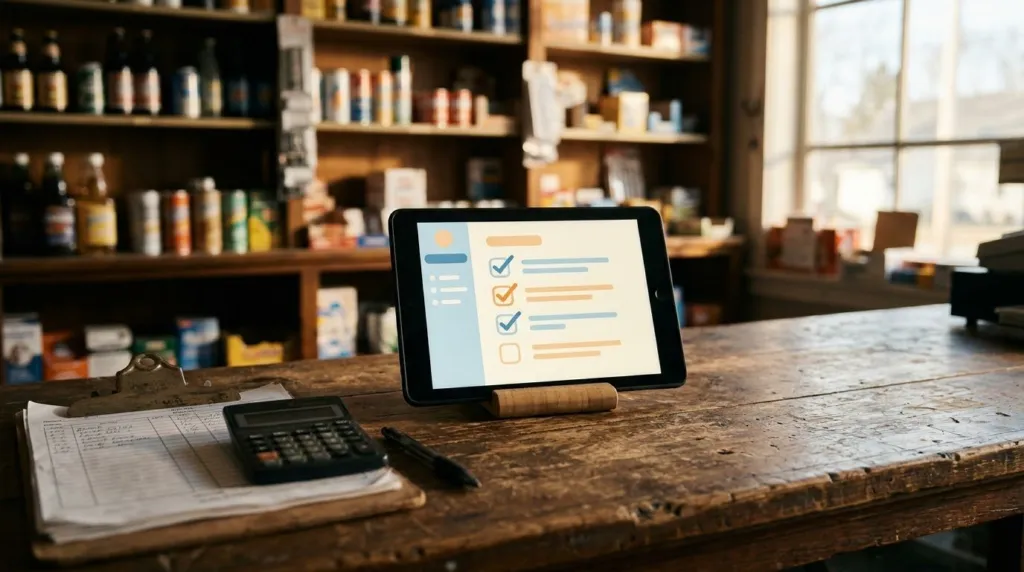
Every owner who asks us about a custom app asks the same two things in the same order. "What would something like that cost?" and, a beat later, "Is it crazy to even think about?" Fair questions. Most of what you read about app development is written for startups with investors, not for a shop with eleven employees and a spreadsheet that has been limping along since 2015.
So here are straight answers. What a custom business app costs when a small business orders one, what moves that number up or down, what the monthly bill after launch covers, and the one test that tells you whether you need an app at all.
The short version
Custom apps we build start around $7,500. A focused first version that does one job well usually lands near the bottom of that range. Something that connects to your point of sale, your accounting and your scheduling, with different screens for different roles, lands well above it. You get a fixed quote before anything starts, in writing, and that is the number you pay.
After launch there is a monthly care plan, the same way a website has one. More on that below, because it is the part most people forget to budget for.
What moves the price
When we quote an app we are really counting four things.
1. How many jobs it does
An app that replaces one paper checklist is a small build. An app that replaces the checklist, the deposit log, the shift notes and the manager's morning email is four builds wearing one coat. Each job is a set of screens, rules and edge cases that has to be designed, built and tested. The first job is always the most expensive because it carries the sign-in, the accounts and the foundation. Each one after that is cheaper.
2. How many kinds of people use it
If everyone who opens the app sees the same thing, it is simple. If the closer sees the close, the manager sees every store's close, and the owner sees totals and nothing else, that is three experiences. Roles are where a lot of the value lives, since they are what let you hand a phone to a new hire without worrying about what they can see or change. They also take time to get right.
3. What it has to talk to
Pulling sales from your point of sale, pushing invoices to your accounting, texting a customer when the crew is on the way. Every connection is a conversation with another company's system, and some of those systems are friendlier than others. A connection to a modern system with good documentation might be a day. A connection to a system that technically has an API but would rather you didn't use it can be a week.
4. How clear the job is on day one
This is the one you control. If you can walk us through how the work happens today, show us the paper, the spreadsheet and the texts, and tell us what "done" looks like, we can quote tightly. If the answer is "we'll know it when we see it," we will still build it, but the quote has room in it for finding out.
Two real examples
A family-owned beverage store had closed every night for a decade on a paper sheet and a spreadsheet. The app replaced both. Every closer follows the same steps on a tablet, the math is done for them, and the owner sees the numbers before the coffee is poured. One job, a few roles, one connection to the point of sale. That is the shape of a first app.
A lawn care company needed something different: crews in trucks, not staff at a counter. Their app lives on phones, shows each crew its stops for the day, tracks time on site, and turns the day's work into invoices. More jobs, more moving parts, more connections. Priced accordingly.
Neither business "needed an app" in the sense that they could not open the doors without one. Both had a chore that ate an hour a day and produced mistakes, and both wanted it gone.
What the monthly care covers
Software does not stay finished. The phone updates, the browser updates, the point of sale changes its API, and someone finds the one combination of taps nobody tried. The monthly care plan covers hosting, backups, security updates and fixing what breaks. It also covers the small changes that come up once real people use the thing: a new field, a renamed step, a report the accountant asked for.
Budget for it the way you budget for insurance on a truck. The build is the purchase. The care plan is what keeps it on the road.
When a $30 tool is the right answer
Here is the test we use before we quote anything. Ask yourself whether your team works with your current software or around it.
Working with it looks like this: you open the tool, you do the thing, you close the tool. It might not be perfect, but it fits. If that is you, keep the tool. There is almost certainly a $30-a-month product that handles scheduling, or invoicing, or time clocks, or inventory, better than a custom build will on day one, and we will tell you which one.
Working around it looks like this: you export from one system and retype into another. You keep a spreadsheet next to the software because the software does not know about the thing that matters to you. You pay for features you do not use and still do the important step on paper. You have a "process" that only one employee understands. If that is you, you have outgrown the tool, and the real cost is not the $30. It is the hour a day and the errors.
Two quick rules of thumb:
If your problem has a name that other businesses in your industry share, buy the tool. Someone has already built it well.
If your problem is specific to how your business runs, and you would rather keep running it that way than change to fit a tool, build.
What you actually get for the money
A custom app from us is not an app-store app. It opens in a browser on any phone, tablet or computer, and it can be added to a home screen so it feels like one. There is no approval process and nothing to install. Everyone signs in with their own account and sees only what their role allows. It is hosted and backed up by us. And it is documented, so you are never stuck if you ever want someone else to take it over.
Most of all, you get a tool shaped like your business instead of a business reshaped to fit a tool.
How to get a number for your own
Bring us the paper. Bring the spreadsheet, the group text, the thing you do every night that you wish you didn't. In a free 15-minute call we will tell you whether it is an app, a $30 tool, or a smaller fix, and if it is an app, you will have a fixed quote within the week. The pricing page has the ranges for everything else we do, so nothing in that conversation will be a surprise.
Key takeaway
A custom app is worth it when your team works around software instead of with it. If a $30-a-month tool fits how you work, buy the tool. If you have outgrown your spreadsheets and nothing fits, a fixed quote from $7,500 and a monthly care plan is what it takes to own the fix.
Keep reading
More for local business owners
-
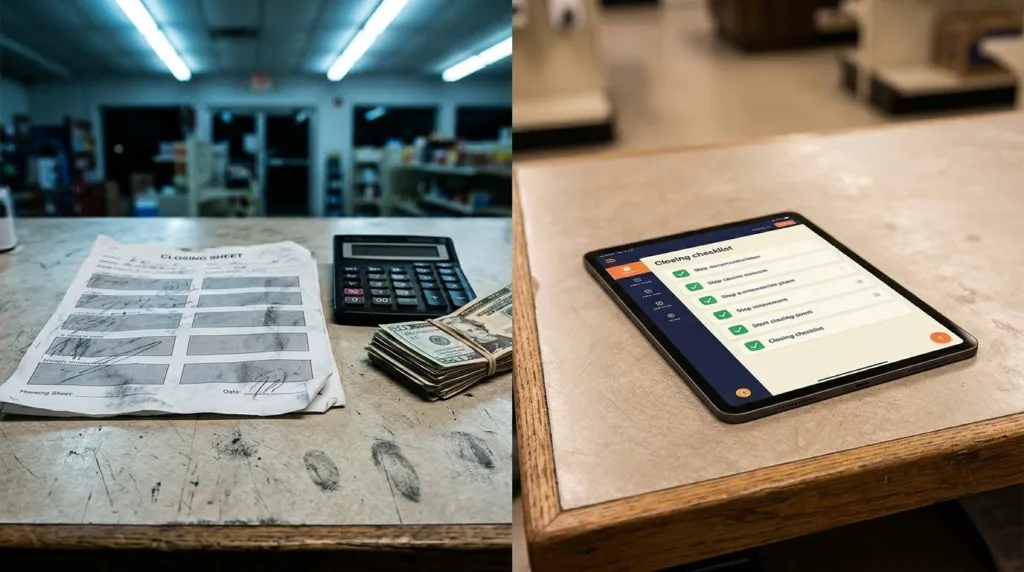
From a Paper Checklist to an App the Whole Shop Uses
How a ten-year-old closing sheet became a tablet app, told step by step, including the part we got wrong first.
-
Why We Moved Our Own Site Off WordPress (and When You Shouldn't)
What pushed us off WordPress for our own site, what we gave up, and who should absolutely stay on it.
-

The Power of Local Influencers: How to Find and Collaborate with Local Influencers for Your Business
Find and collaborate with local influencers to reach your target audience authentically and affordably without blowing your small business marketing budget on big celebrity endorsements.